BADMINTON, SCORED SHOT BY SHOT.
SportsBuddy scores badminton the way the rules are actually written: rally scoring to 21, win by two, and a hard ceiling at 30 so a long game ends where it is supposed to. Each point is credited to a player and filed as a smash, drop, net kill or ace, and spectators follow the game-by-game score live in a browser with no account and no install.
Badminton is the sport where the scoring rule that matters most is the one at the end. A game to 21 is really a game to 21, then 22, then 23, until somebody leads by two — and then it stops dead at 30 whatever the margin. Get that wrong and you have a scoreboard arguing with the umpire.
SportsBuddy holds all three of those conditions at once. The screen flags game point and match point when they arrive, calls deuce when the two-point margin takes over, and closes the game at the cap without a debate. What the scorer does is tap who won the rally and how.
That second tap is the part worth having. A point filed as a SMASH, DROP, NET KILL or ACE builds a per-player picture over a tournament that a bare scoreline never will — and it costs the scorer about a second per rally.
The scoring screen
Rally scoring with the awkward endings taken care of.
The rally, then the shot
WHO SCORED? names the players on court and the point goes to whoever won it; POINT TYPE files it as a SMASH, DROP, NET KILL, ACE, OPPONENT ERROR or FAULT. Scoring without a lineup is fine too — TEAM POINT keeps the score moving.
Deuce, and the ceiling
Past 20-all the game runs on the two-point margin, and the screen says DEUCE while it does. At 29-all the next point takes it, because the cap at 30 is enforced rather than left to whoever is watching the board.
Game point and match point flagged
The screen tells you the state of the game as it happens — GAME POINT, MATCH POINT — so the scorer is not doing arithmetic while the shuttle is in the air.
Serve, and a manual override
The serve follows the rally winner, and SWITCH SERVE is there for the occasions the court and the app disagree — a let replayed differently, a serve that changed hands off a call.
Corrections and retirements
CORRECT SCORE fixes a scoreboard that has drifted. END MATCH EARLY closes out a retirement or an injury properly rather than leaving a fixture that never resolves, and FINALIZE MATCH files the result when the last game is done.
Hand the match over mid-game
Log in on another device, open the match under IN PROGRESS, and the games won, the current score and the point history rebuild themselves. Useful when one person is umpiring and another takes the scoring.
Format set per tournament
Twenty-one, best of three is the BWF default and the app's. Corporate and social events rarely play it, which is why every number is a setting.
Points per game
Twenty-one by default. A one-day office tournament running games to 15 or 11 is configured once at the top and every fixture follows it.
Games in a match
Best of three as standard, changed where a compressed schedule needs single games or a final wants more.
Win by two, or golden point
Standard play needs the two-point margin. Switch the win condition to golden point and the first side to the target takes the game outright — the honest way to keep a 32-draw event on schedule.
No time-outs by default
Badminton has no team-called time-out — the intervals belong to the umpire — so the button is off unless a tournament deliberately turns an allowance on. A scorer is never offered something the laws do not have.
Singles, doubles, mixed
Team owners nominate who takes the court — one a side or two — before the match, or the scorer sets the lineup on their own screen. Individual credit works either way.
What everyone watching sees
Eight courts running at once and one person courtside on each. The link is how everyone else keeps up.
The live score
Games won, the current game's points at full size, and the state of the game as it moves — updating within seconds of the courtside tap.
Every game as its own tab
Each game played gets a tab with its final scoreline and the live one is marked. A match that went to three is readable as three games, not as one aggregate.
Point by point
The selected game rally by rally with the shot type, the player, the running score after the point and the time — so the run that decided the second game is there to be found.
One link, no account
No login and no install for anyone watching. That is the difference between a draw sheet on a wall and a tournament that the players' families can follow from home.
For whoever is running the tournament
Draws, courts and the table — the evening admin, mostly done for you.
Standings on game difference
Points on your per-win configuration, ties broken on games won minus games lost across every completed match — accumulated automatically as results come off the courts.
Groups then knockouts
Group the entries and the site draws one table per group, marks the qualifiers, and keeps the group results separate from the bracket they feed.
A scorer per court
Assign fixtures to whoever is on that court. Each shows up in their assignments, and clearing an assignment hands it to the next person on the rota.
Entries and squads
Teams and clubs register themselves and you approve or reject. The squad list comes from the owner rather than from you retyping names off a message thread.
One page for the whole event
Fixtures, live scores, results and tables on a single shareable link — the thing you print a QR code of and stick on the hall door.
Written out, step by step
Every step below is transcribed from the real button labels in the app, so you can follow it word for word on the phone in your hand.
- Score badminton, table tennis and pickleballRally scoring point by point, with lineups, corrections, time-outs and deuce handled for you.
- Set your lineup (racket and net sports)Pick the players who take the court for badminton, table tennis, pickleball, tennis and padel.
- Assign a scorer to a matchHand a fixture to the person who will score it live.
- Hand a live match to another deviceSwap phones mid-match without losing a single ball or point.
- Create a tournamentThe three-step wizard that sets up your event — identity, then logistics and match settings, then prizes and rules.
- Schedule matches once teams are readyTurn a list of registered teams into a fixture list, one row per match.
- Watch on the website — no account neededShare a link with anyone and they can follow the match in a browser.
BADMINTON ANSWERED.
Asked most often about badminton on SportsBuddy. The screen-by-screen version of every flow lives in the step-by-step guides.
Does SportsBuddy score badminton to 21 with the cap at 30?
Can I run a badminton tournament with shorter games?
Does badminton scoring track individual players?
Are there time-outs in the badminton scorer?
Can spectators follow a badminton match on the web?
What happens if a badminton player retires mid-match?
YOUR SPORT.
YOUR ROLE.
Download SportsBuddy, pick your role, and get started in under 2 minutes. No subscription needed to play.
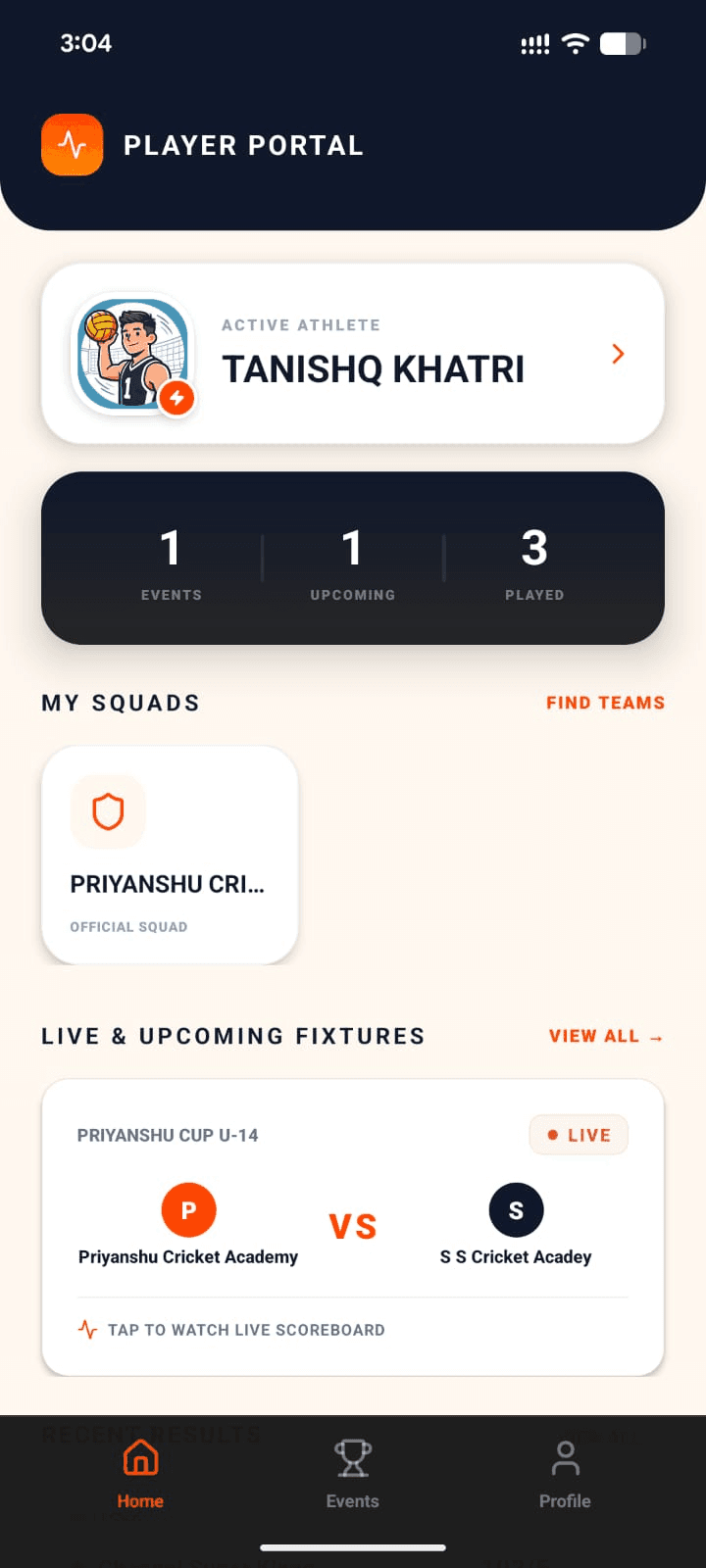
Player
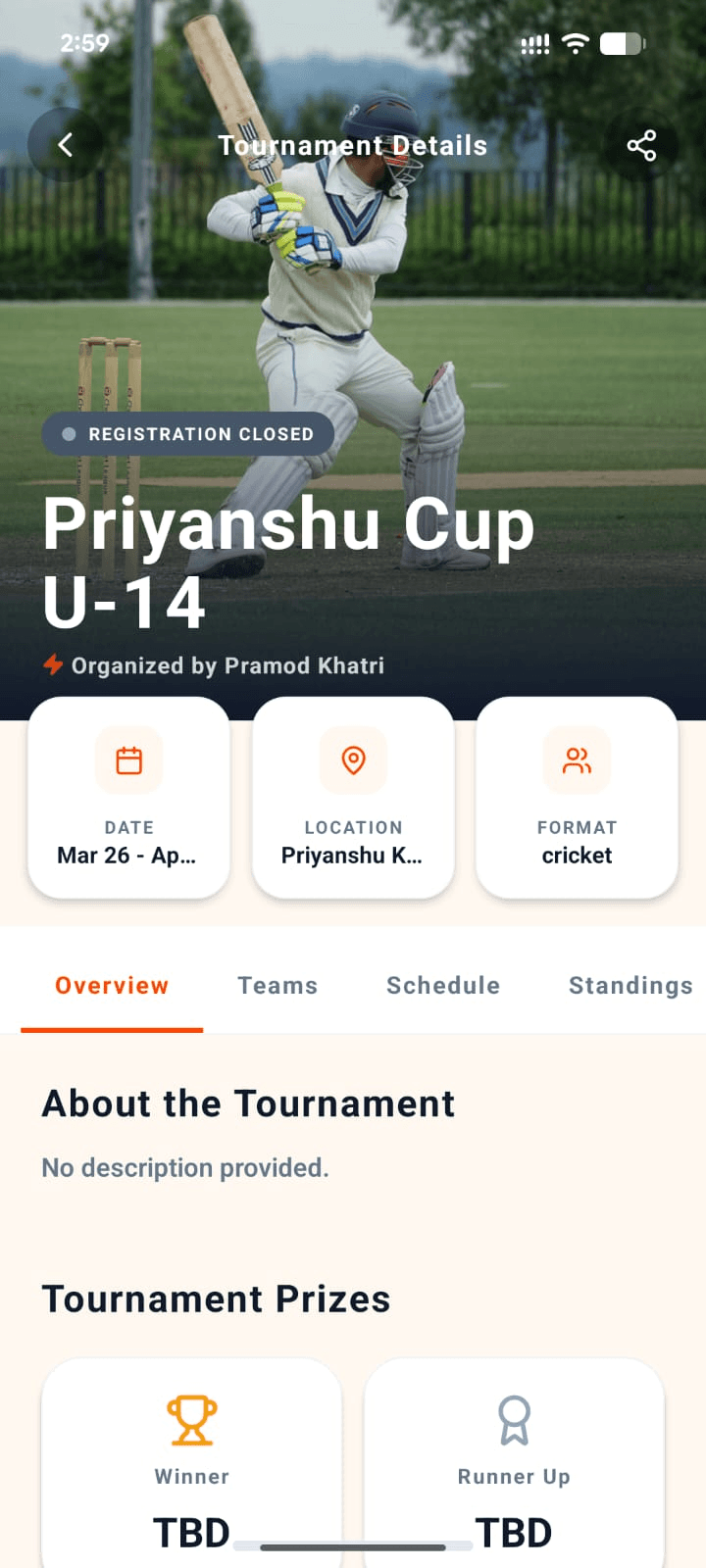
Organizer
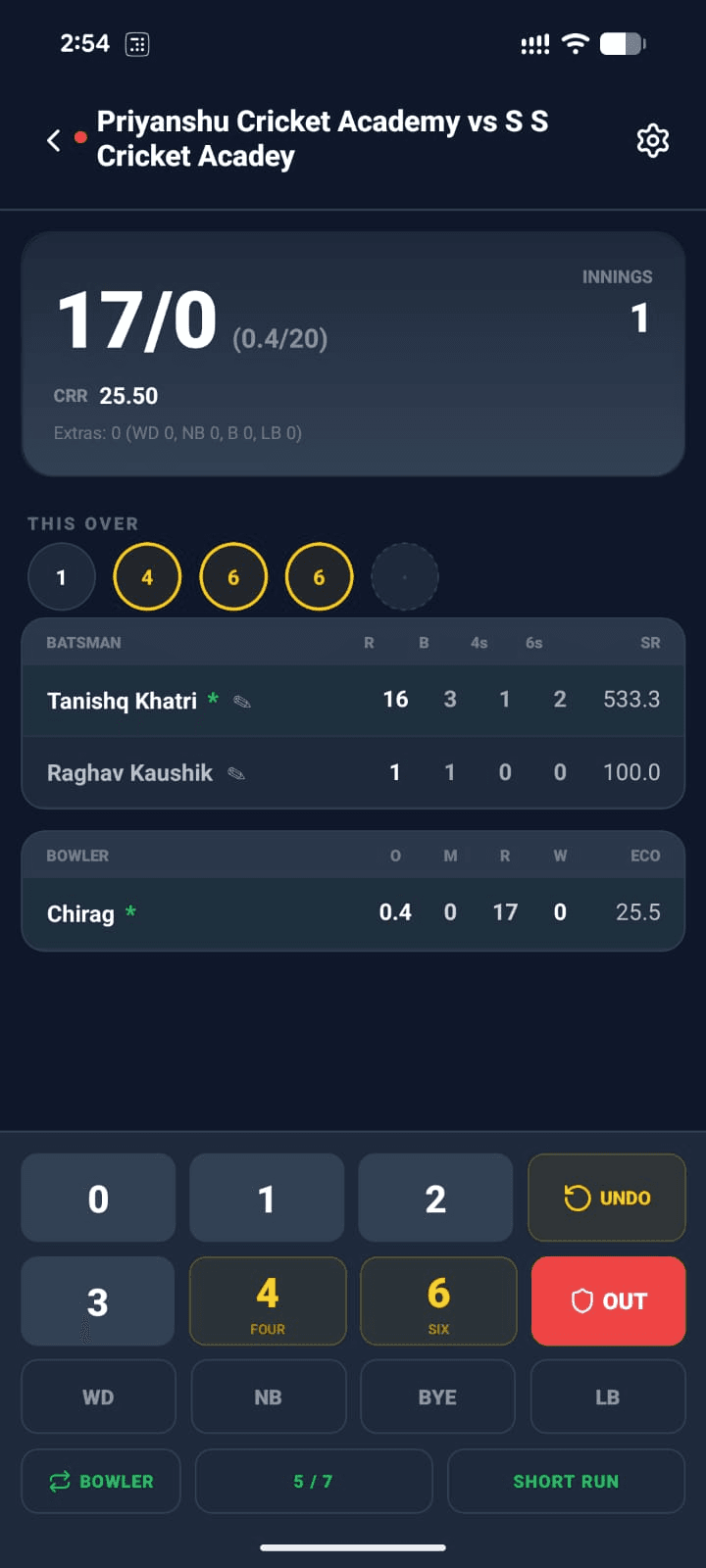
Scorer
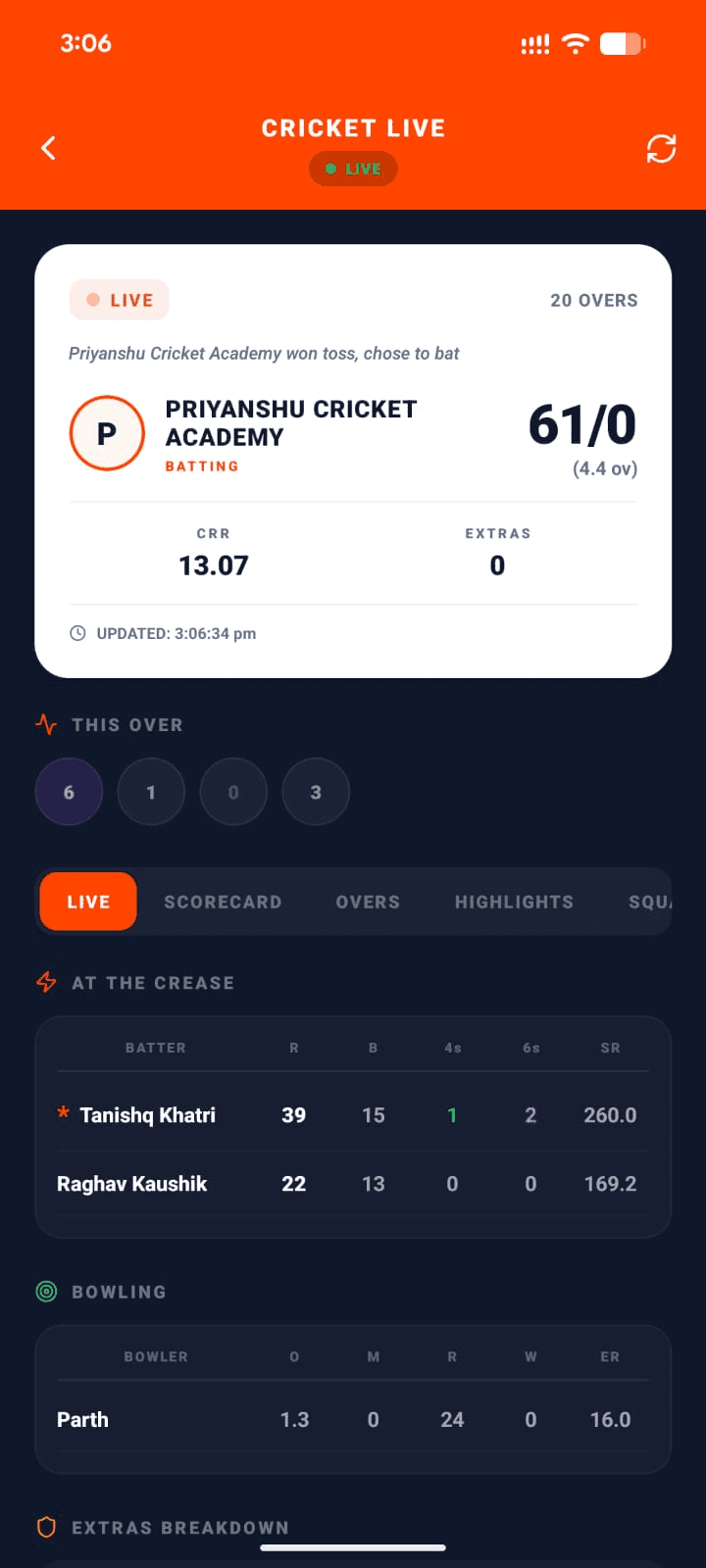
Viewer
Summary
Organizer
Create & run tournaments end-to-end
Team Owner
Manage squad & join tournaments
Player
Build your profile & track stats
Scorer
Score matches live from the field
Viewer
Follow live scores in real-time
Search for "The Sports Buddy" on Google Play or the App Store — that's us.
Just want to watch? Follow live scores on the website →