PICKLEBALL, SCORED SIDEOUT AND ALL.
SportsBuddy is the rare pickleball app that scores the sport the way it is actually played. Turn sideout scoring on and the scorer gets the real thing — serve changes that score no point, the reason recorded, and the three-number score call worked out automatically. Turn it off and the same tournament runs on rally scoring. Spectators follow either one live in a browser.
Pickleball's scoring is the reason so many apps get it wrong. Only the serving side can score. A lost rally on serve is a side-out, not a point. In doubles both partners serve before the serve changes hands, and the score is called as three numbers — server's score, receiver's score, server number — which is the bit everyone at the net gets wrong at 7-6-2.
SportsBuddy models that properly. SIDEOUT is a first-class action on the scoring screen with a reason attached — service fault, foot fault, kitchen violation, a double bounce, an unforced error, or a clean winner from the other side — and the score call is computed and displayed rather than left to whoever is serving.
It also knows that half of recreational pickleball is now played on rally scoring to keep events on schedule. That is a switch on the tournament, not a different product: turn sideout scoring off and the same fixtures run as straight rally scoring on the shared racket screen.
The scoring screen
Built around the side-out, because that is what the sport is built around.
The score call, worked out for you
The three-number call sits at the centre of the screen — server's score, receiver's score, server number — recomputed after every rally. Nobody has to remember whether they are first server or second.
Sideout with a reason
SIDEOUT records a serve changing hands without a point, and asks why: a service fault, a foot fault, a kitchen violation, a double bounce, an unforced error or an opponent's winner. The serve rotation and the score call follow from it automatically.
Point types that are actually pickleball
A point is filed as a DINK WINNER, THIRD SHOT DROP, SPEED UP, ERNE, LOB, ACE, WINNER, NVZ FAULT, FAULT or OPPONENT ERROR — the vocabulary of the sport rather than a generic winner-or-error toggle borrowed from tennis.
Time-outs that follow the target
Two per team on a game to 11 and three on a longer game, matching the USA Pickleball allowance — derived from the point target you set rather than hardcoded, and overridable per tournament. The pips show how many each side has left.
Switch ends when the score says so
The app prompts SWITCH ENDS at the right moment and waits for you to confirm once the players have actually changed. It is a prompt, not an assumption, because the players move at their own pace.
Hand the court to another phone
Open the match under IN PROGRESS on a second device and the games, the score, the serving side and the server number rebuild — then carry on from the current rally.
Set per tournament
Sideout or rally, 11 or 15 or 21, win by two or golden point. A pickleball event that has made all four of those choices is normal, and none of them should require a different app.
Sideout scoring, on or off
On, and the scorer gets the dedicated sideout screen with the score call and the sideout reasons. Off, and the same fixtures run as rally scoring on the shared racket screen. One switch on the tournament, chosen before a ball is served.
Points per game
Eleven by default, with 15 and 21 the usual alternatives for medal matches. The time-out allowance follows the target you choose rather than staying stuck at the eleven-point number.
Games in a match
Best of three as standard, changed per tournament — single games for a round robin that has to finish before the courts are handed back.
Win by two, or golden point
Standard play needs the two-point margin. Golden point ends the game at the target with no margin required, which is how a large recreational draw stays on schedule.
Singles and doubles
Nominate one player a side or two before the match, or let the scorer set the lineup courtside. Serve rotation and individual credit both follow the lineup.
What everyone watching sees
Twelve courts, a lot of noise, and no scoreboard. A browser link fixes that.
The live score
Games won, the current game's points at full size and the state of the game as it moves — updating within seconds of the tap courtside.
A tab for every game
Each game keeps its own final scoreline with the live one marked, so a three-game match reads as three games.
Point by point
The selected game rally by rally with the point type, the player and the running score — the dinks, the speed-ups and the kitchen faults in the order they happened.
No account, no install
One link that works for anyone. That is the point of the web viewer — the people watching a rec-league final should not have to install anything to see it.
For whoever is running the tournament
Courts, rotations and the table.
Standings on game difference
Points on your own per-win configuration with ties broken on games won minus games lost — accumulated from every completed match without anyone maintaining a sheet.
Round robin into a bracket
Group the entries, get one table per group with the qualifying places marked, and keep the group results separate from the knockout draw they feed.
A scorer per court
Assign each fixture to whoever is on that court. It shows in their assignments and can be cleared and reassigned as the rota moves.
Entries and squads
Teams register themselves and you approve or reject. Owners build their own squads, so player names come from the people who can spell them.
One page for the event
Fixtures, live scores, results and tables on a single shareable link — enough for a whole day's play on eight courts.
Written out, step by step
Every step below is transcribed from the real button labels in the app, so you can follow it word for word on the phone in your hand.
- Score badminton, table tennis and pickleballRally scoring point by point, with lineups, corrections, time-outs and deuce handled for you.
- Set your lineup (racket and net sports)Pick the players who take the court for badminton, table tennis, pickleball, tennis and padel.
- Assign a scorer to a matchHand a fixture to the person who will score it live.
- Hand a live match to another deviceSwap phones mid-match without losing a single ball or point.
- Create a tournamentThe three-step wizard that sets up your event — identity, then logistics and match settings, then prizes and rules.
- Schedule matches once teams are readyTurn a list of registered teams into a fixture list, one row per match.
- Watch on the website — no account neededShare a link with anyone and they can follow the match in a browser.
PICKLEBALL ANSWERED.
Asked most often about pickleball on SportsBuddy. The screen-by-screen version of every flow lives in the step-by-step guides.
Does SportsBuddy support traditional pickleball sideout scoring?
Can I run a pickleball tournament on rally scoring instead?
How many time-outs does the pickleball scorer allow?
Does the app record kitchen faults and dinks?
Does SportsBuddy handle switching ends?
Can spectators follow a pickleball match without the app?
YOUR SPORT.
YOUR ROLE.
Download SportsBuddy, pick your role, and get started in under 2 minutes. No subscription needed to play.
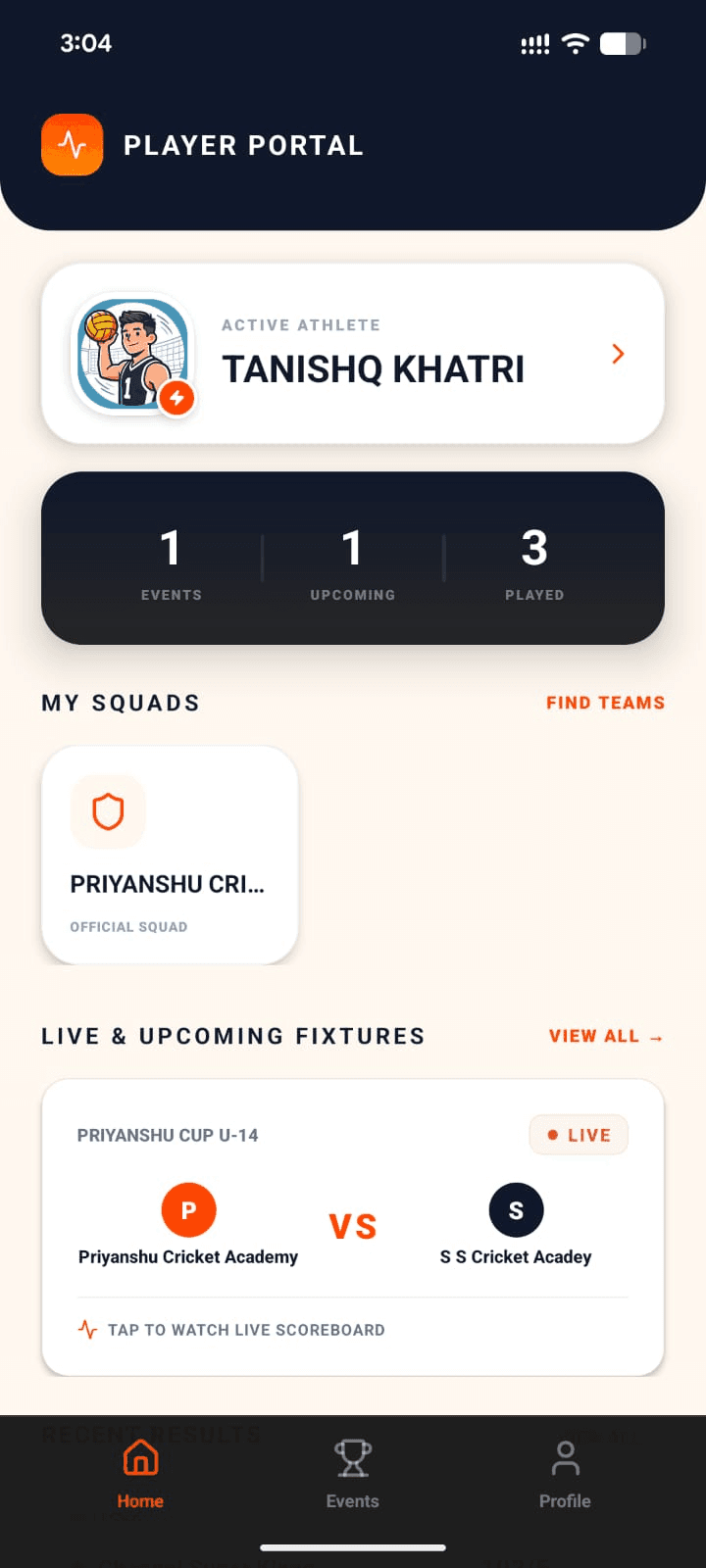
Player
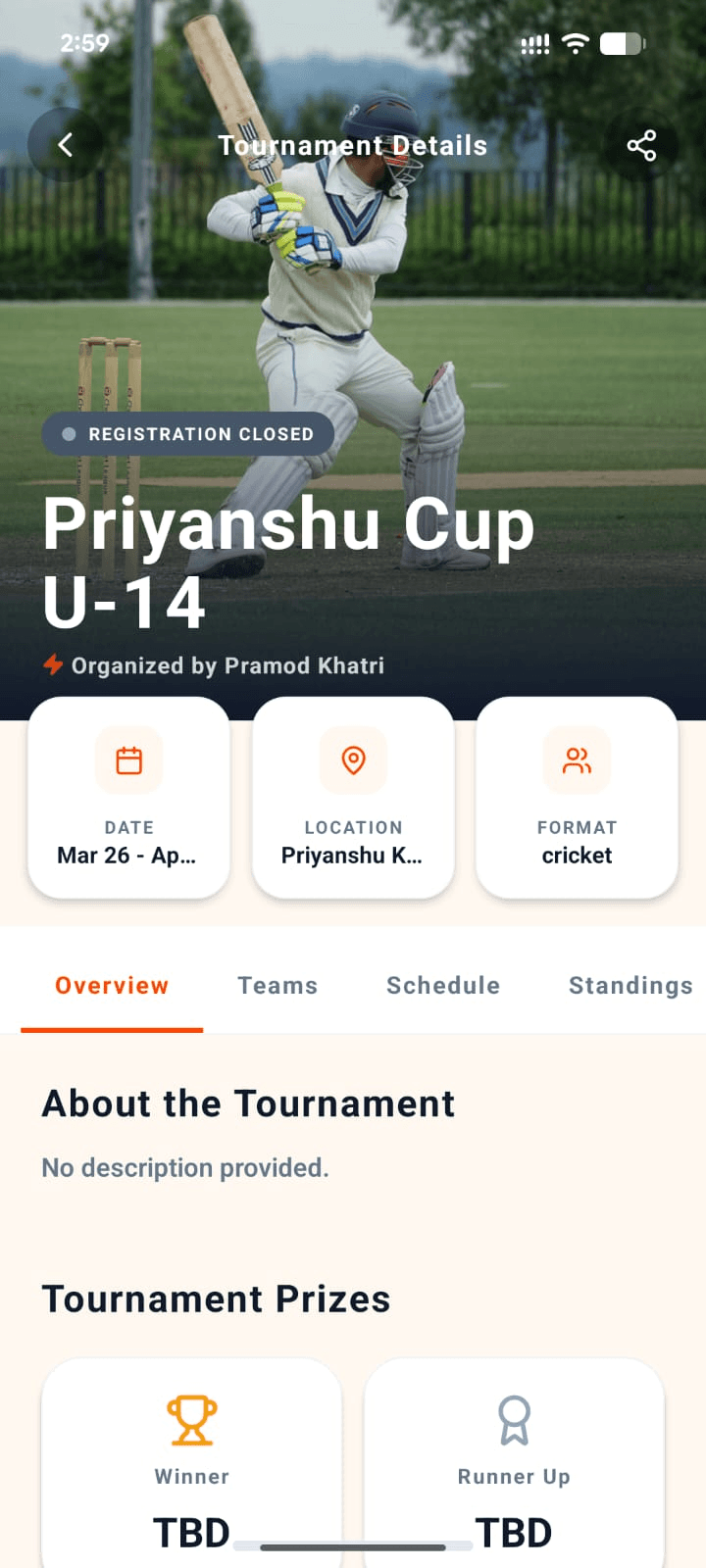
Organizer
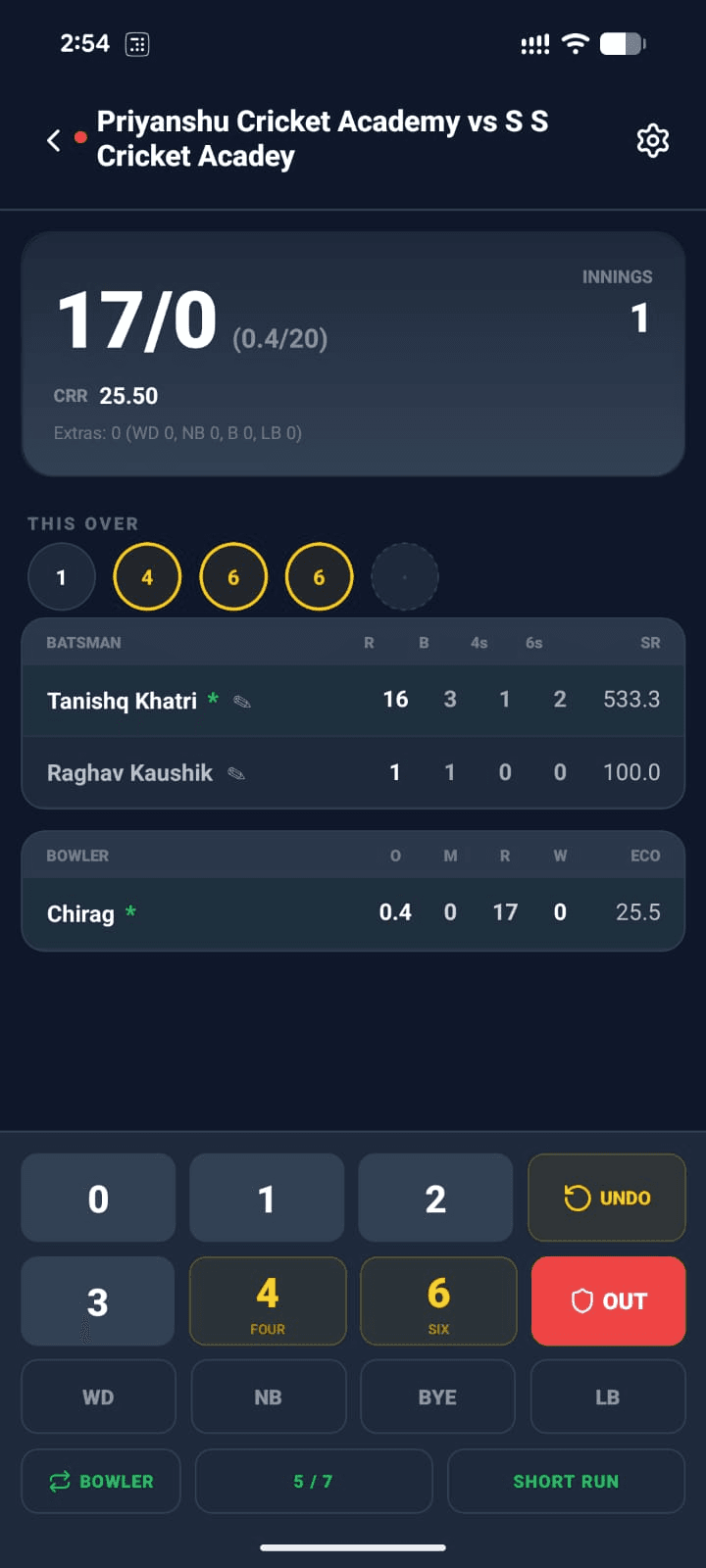
Scorer
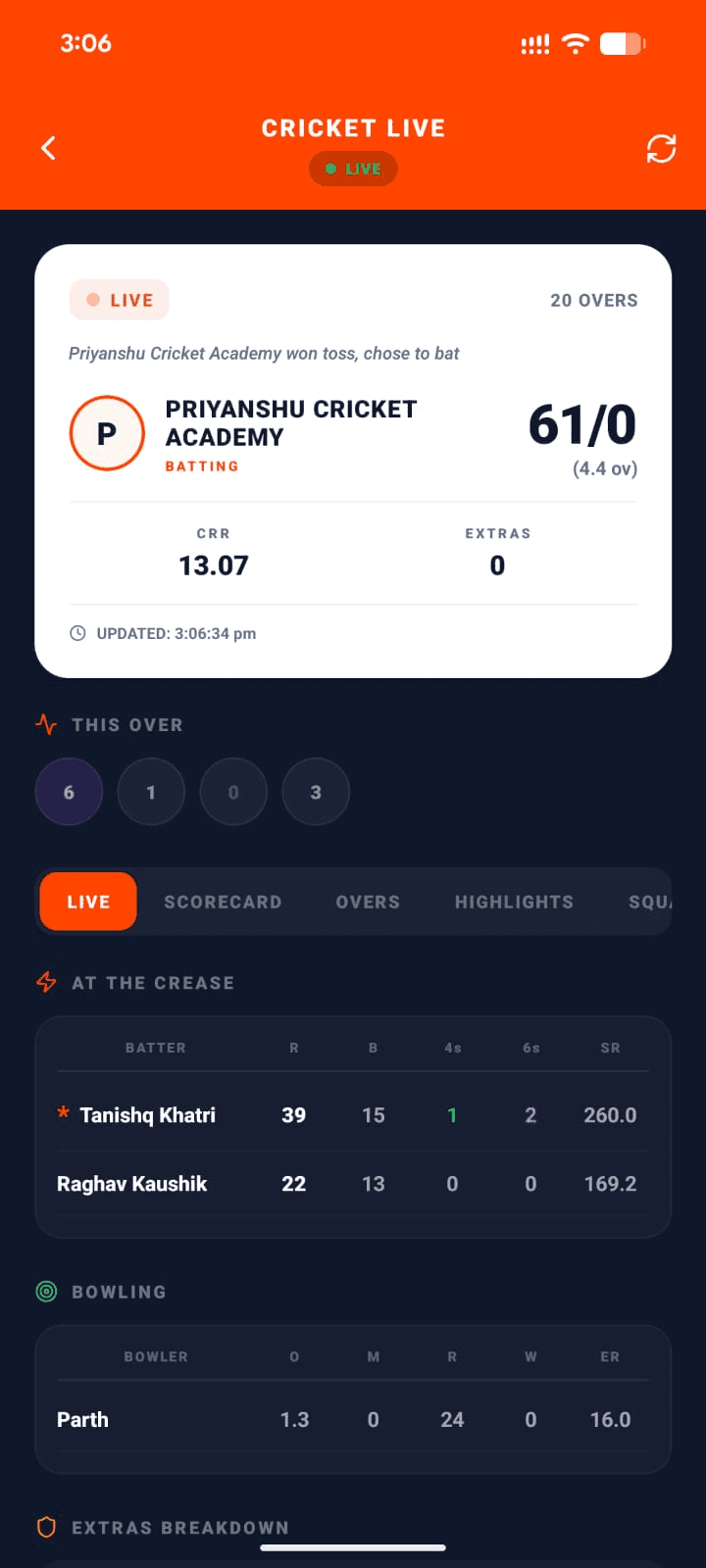
Viewer
Summary
Organizer
Create & run tournaments end-to-end
Team Owner
Manage squad & join tournaments
Player
Build your profile & track stats
Scorer
Score matches live from the field
Viewer
Follow live scores in real-time
Search for "The Sports Buddy" on Google Play or the App Store — that's us.
Just want to watch? Follow live scores on the website →